
PDF to Black and White Converter Online Free
pdf to grayscale converter
Need a PDF to black and white converter online free from signups and watermarks? This tool turns any color PDF into grayscale or pure black and white right in your browser. There is nothing to install, no account to create, and no upload. Pick a mode, convert, and download in seconds.
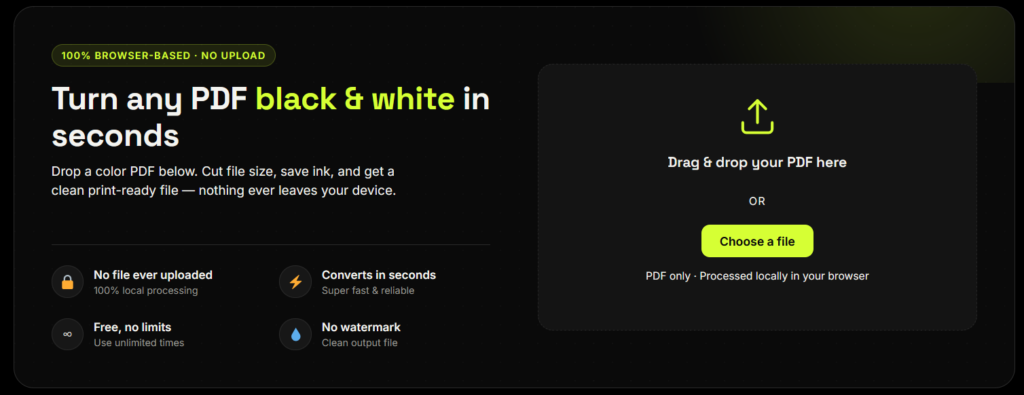
Turn any PDF black & white in seconds
Drop a color PDF below. Cut file size, save ink, and get a clean print-ready file — nothing ever leaves your device.
Drag & drop your PDF here
or
PDF only · Processed locally in your browser
document.pdf
Loading…
Reading page 1 of 1…
Something went wrong. Please try a different file.
How This Free PDF to Black and White Converter Works
Most tools that pdf to black and white converter online free upload your file to a remote server, process it there, and send it back — which is slower and means a copy of your document sits on someone else’s machine. This converter is different:
Browser-Based Processing
Your PDF is read directly in your browser using industry-standard rendering (the same engine behind Firefox's built-in PDF viewer).
Smart Grayscale Conversion
Each page is converted to grayscale using the standard luminance formula, the same method professional design tools use.
New PDF, Ready to Download
A new PDF is rebuilt locally and handed straight to you as a download.
Your File Never Leaves Your Device
At no point does the file leave your device — making this a genuinely free, unlimited converter with no server-side file caps.
Why Convert a PDF to Black and White
Save on printing costs
Black & white printing costs up to 5x less than color printing.
Smaller file size
Reduce PDF size up to 60% by removing color data.
Better for scans
Grayscale documents scan, fax, and photocopy more clearly.
Meet requirements
Many portals require black and white or grayscale PDF submissions.
How it works
Upload PDF
Drop or select your PDF file.
Choose output
Select Grayscale or Black & White.
Convert
We convert it locally in seconds.
Download
Get your clean PDF instantly.
Why Choose This Tool
Many online PDF tools upload your file to a server and cap how many files you can convert per hour. This converter runs entirely in your browser, so there is no upload, no signup, no watermark, and no hourly task limit. One honest trade-off: pages are re-rendered as images, so text in the converted file is not selectable. If you need selectable text, use a desktop PDF editor’s grayscale export instead.
Save Ink with a Black and White PDF
Color pages usually cost more to print than black-and-white pages, because color printers use several ink cartridges instead of one. You can see how the costs differ in this color vs black-and-white printing cost guide. Converting your file first means your printer uses only black ink.
Choose Grayscale for documents with photos or charts, since grayscale keeps many shades between black and white. Choose Pure Black & White for text-only pages, where you want the sharpest print. With this PDF to black and white converter online free of signups, you can try both modes in seconds and keep whichever looks better.
Explore More PDF Tools
Prepare your documents for printing, sharing, and everyday use.
Compress PDF
Reduce your file size further for email, uploads and quick sharing.
Compress PDFMerge & Split PDF
Combine several files into one, or split pages, before you print.
Organize PDFsJPG to PDF
Turn photos and scans into a PDF, then convert it to black and white.
Convert imagesOCR PDF
Make a scanned or converted PDF searchable again.
Make PDF searchableFAQ
Frequently Asked Questions
How do I convert a PDF to black and white?
Upload your PDF into the converter above, choose Grayscale or Pure Black & White, and click Convert. Your browser processes the file directly — no software installation and no file upload to a server.
What's the difference between grayscale and black and white?
Grayscale keeps up to 256 shades of gray, so photos and charts still look natural. Pure black and white uses only two tones — every pixel becomes either fully black or fully white — which gives the smallest file size and sharpest text, but loses detail in images. This exact question gets asked constantly on forums like Quora because most “black and white” tools actually just mean grayscale — this converter is one of the few that offers true pure black & white as a separate option.
Does converting a PDF to black and white reduce file size?
Usually yes. Color image data is one of the largest contributors to PDF file size, so removing it typically shrinks a file by 30–60%, and sometimes more for image-heavy documents — color PDFs with lots of photos can be several times larger than their black-and-white equivalents.
Is there a limit to how many pages or how large a PDF I can convert?
No artificial limit — since everything runs in your own browser instead of on a server, the only real constraint is your device’s own memory, which comfortably handles typical documents (tens to hundreds of pages).
Why does my PDF still print in color after I selected "black and white"?
This usually happens with your printer’s own black-and-white print setting, not with a properly converted file — some printers ignore the grayscale flag for certain embedded color profiles or vector objects. Converting the PDF itself to black and white beforehand (rather than relying on a print-time toggle) avoids this, since the color data is actually removed from the file rather than just hidden at print time.
Is it safe to convert a PDF to black and white online?
With this tool, yes — your PDF is never uploaded anywhere. Most online converters send your file to a server, process it there, and delete it later (some claim within an hour). This tool skips that step entirely: conversion happens locally in your browser, so there’s no file transfer to worry about in the first place.