
eSign PDF Online Free —
Sign Any Document in Seconds
Need to esign PDF online free without installing software, printing a page, or creating an account? Our browser-based tool lets you draw, type, or upload your signature, place it exactly where you want on the page, and download your signed PDF in under a minute — completely free, with no watermark and no daily limit.
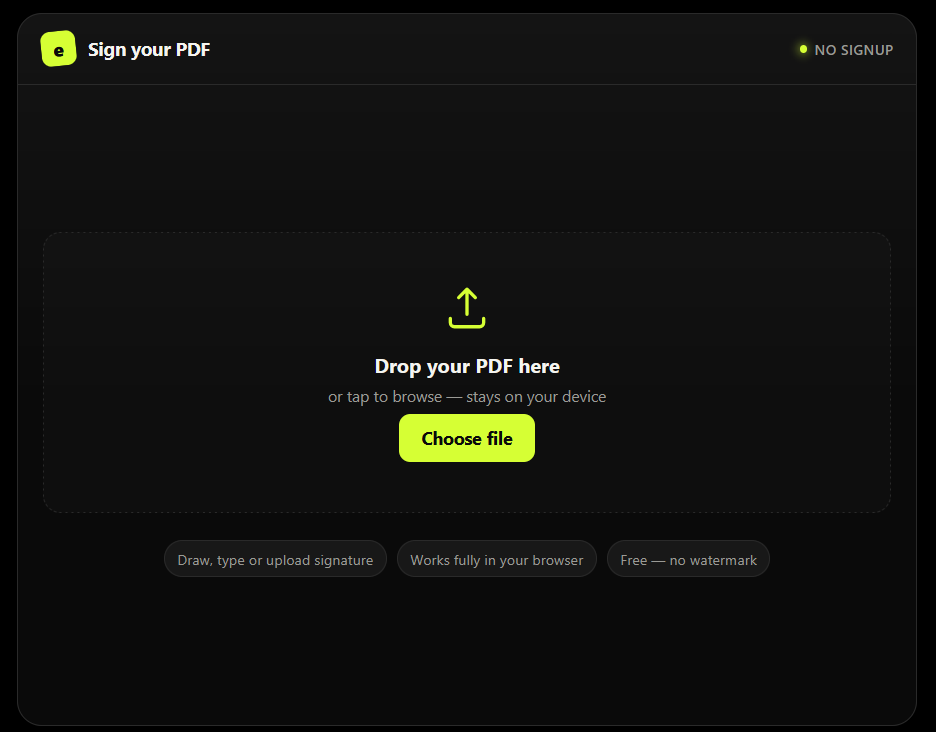
Drop your PDF here
or tap to browse — stays on your device
- Draw, type or upload signature
- Works fully in your browser
- Free — no watermark
Create your signature
Upload signature image
PNG with transparent background works best
How to eSign a PDF Online Free
That’s the entire process to esign a PDF online free — no printer, no scanner, no third-party account.
Upload your PDF
Drag and drop your file, or tap to browse. No account needed.
Create your signature
Draw it, type your name, or upload an image of your signature.
Place and resize it
Drag your signature onto the exact spot on the page and resize it to fit.
Download your esigned PDF
Your signed document downloads instantly, ready to send or submit.
Who Uses This eSign PDF Online Free Tool?
No sign-up required
Start signing immediately, no email or account needed.
100% free, no watermark
Many "free" PDF signers cap you at 2–3 documents a day or add a watermark. This one doesn't.
Your file never leaves your device
The PDF is processed entirely in your browser, not on a server.
Works on any device
Sign a PDF online free on your laptop, tablet, or phone.
Fast
No processing queue, no waiting for an email link.
Who Uses This eSign PDF Online Free Tool?
Freelancers & Contractors
Signing client agreements and NDAs.
Small Business Owners
Signing vendor and rental agreements.
Job Seekers
Signing offer letters and job application forms.
HR Teams
Onboarding paperwork without extra software.
Is an Electronic Signature Legally Valid?
Yes — in many countries, electronic signatures are legally recognized for everyday documents such as agreements, forms, and letters. The exact requirements can vary depending on the country, document type, and applicable law.
A visual signature created by this tool is not the same as a certificate-based digital signature. For documents that specifically require a Digital Signature Certificate or Aadhaar eSign in India, use an appropriate licensed Certifying Authority. For everyday contracts, forms, and agreements, always check the requirements that apply to your particular document and jurisdiction.
Why This Tool Is Better Than Other PDF Tools
Unlike many popular PDF platforms such as iLovePDF, and Adobe Acrobat Online, this tool freeconvertzo is designed with a simpler, privacy-first experience — so you can complete your PDF task without unnecessary signup steps, complicated interfaces, or waiting for cloud processing. Instead of sending your files to a remote server, browser-based processing can keep your documents on your own device, making the workflow faster, more private, and convenient. Whether you need to add a password, edit, convert, compress, or manage a PDF, this tool focuses on free access, no-watermark output, simple controls, and instant results without making users navigate through unnecessary features or account requirements.
FAQ
Frequently Asked Questions
How do I sign a PDF online for free?
Upload your PDF to the tool, create your signature by drawing, typing, or uploading an image, then drag it onto the page and download the signed file. No installation or account needed.
How can I add a signature to a PDF without Adobe?
You don’t need Adobe Acrobat to sign a PDF. A browser-based esign tool lets you draw, type, or upload your signature and place it directly on the document — no software installation required.
Can I sign a PDF without printing or scanning it?
Yes. That’s the entire point of an online eSign tool — it replaces the print-sign-scan process with a signature you create and place digitally in your browser.
How do I create a signature for a PDF document?
You can create a signature three ways: draw it with your mouse or finger, type your name and pick a handwriting-style font, or upload a photo/scan of your existing signature.
Is it safe to sign a PDF online?
Yes, as long as the tool processes your file locally rather than storing it on a server. Look for a tool that explicitly says your document isn’t uploaded anywhere.
What's the difference between an electronic signature and a digital signature?
An electronic signature is a drawn, typed, or image-based signature added to a document. A digital signature is more secure — it uses a certificate to cryptographically verify the signer’s identity and detect any tampering after signing.