
PDF to Excel Converter Without Watermark -
Free, Instant & 100% Private
Free PDF to Excel converter without watermark — convert any PDF table into a clean .xlsx spreadsheet in seconds. No upload, no signup, no watermark. 100% private, runs in your browser.
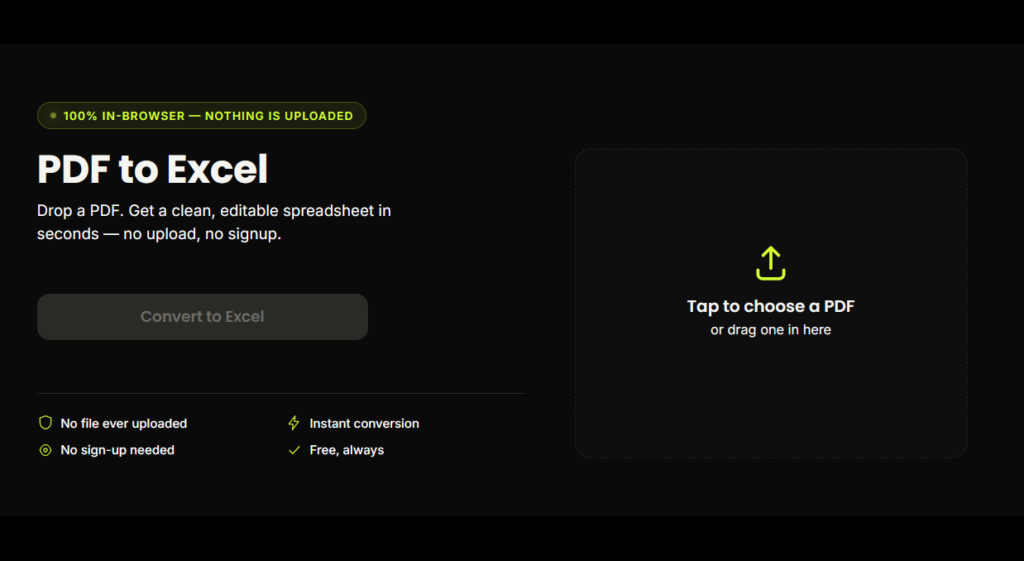
PDF to Excel
Drop a PDF. Get a clean, editable spreadsheet in seconds — no upload, no signup.
Tap to choose a PDFor drag one in here
document.pdf
0 KB
Reading pages…
0%
Your file is ready to downloadExtracted successfully
How to Convert PDF to Excel Without Watermark
Why Choose Our PDF to Excel Converter Without Watermark?
No watermark, ever — your spreadsheet stays exactly as clean as your original PDF.
No file upload — conversion happens in your browser, so sensitive documents (bank statements, invoices) never touch a server.
No sign-up or login required — open the page and convert immediately.
Completely free — no daily limits, no premium paywall.
Fast — most files convert in under 5 seconds.
Works on mobile — fully responsive, so you can convert PDF to Excel without watermark from your phone too.
What Is a PDF to Excel Converter Without Watermark?
A PDF to Excel converter without watermark is a tool that extracts table data from a PDF file and rebuilds it as a spreadsheet — without stamping a logo, trial notice, or brand mark across your output file. Most free online converters add a watermark to push you toward a paid plan; this tool doesn't, because the entire conversion runs locally in your browser instead of on a paid server.
Who Uses a PDF to Excel Converter Without Watermark?
Accountants & finance teams
converting bank statements
and invoices into editable
spreadsheets.
Students & researchers
pulling data tables out of PDF
reports and academic papers.
Small business owners
turning GST invoices and
vendor price lists into Excel
for bookkeeping.
Developers & analysts
who need clean structured data
without manual retyping.
Is It Really Free With No Watermark?
Yes. This PDF to Excel converter without watermark is completely free with no hidden limits. Because the conversion runs on your own device instead of a paid cloud server, there's no cost to us per conversion — so there's no reason to charge you or brand your file with a watermark.
Why This Tool Is Better Than Other PDF Tools
Unlike many popular PDF platforms such as iLovePDF, and Adobe Acrobat Online, this tool freeconvertzo is designed with a simpler, privacy-first experience — so you can complete your PDF task without unnecessary signup steps, complicated interfaces, or waiting for cloud processing. Instead of sending your files to a remote server, browser-based processing can keep your documents on your own device, making the workflow faster, more private, and convenient. Whether you need to add a password, edit, convert, compress, or manage a PDF, this tool focuses on free access, no-watermark output, simple controls, and instant results without making users navigate through unnecessary features or account requirements.
FAQ
Frequently Asked Questions
How do I convert a PDF to Excel without losing formatting?
Drop your PDF into the tool and click “Convert to Excel.” The converter reads each row and column’s exact position in your PDF and rebuilds them in the same structure inside a real .xlsx file — no manual retyping, no merged or misaligned cells.
Does this PDF to Excel converter add a watermark?
No. Unlike most free online converters, this tool never stamps a watermark, logo, or trial notice on your output file. Your Excel file looks exactly as clean as your original PDF.
What's the difference between converting to XLS vs. XLSX?
XLSX is the modern Excel file format (used since Excel 2007) and is what this tool outputs — it’s smaller, more reliable, and opens in Excel, Google Sheets, and Apple Numbers without compatibility issues.
Why does my PDF table look mixed up when I copy-paste it into Excel manually?
Copy-pasting a PDF table directly into Excel usually dumps everything into a single column because PDFs don’t store real “cells” — they store positioned text. This tool solves that by reconstructing rows and columns from each text item’s exact position.
Can I convert multiple PDF pages into one Excel sheet?
Yes — when a table continues across several PDF pages, the tool automatically detects the continuation and merges it into a single sheet instead of splitting it across multiple tabs.
Is this PDF to Excel converter really free?
Yes, completely free with no hidden charges, no premium tier, and no usage limits — because conversion runs on your device instead of a paid cloud server.