
Add Page Numbers to PDF Online Free
To add page numbers to a PDF online free, upload your file, choose a position (top or bottom, left/center/right), pick a number format, and download — the whole process runs in your browser in under 10 seconds, with no sign-up and no file ever sent to a server.
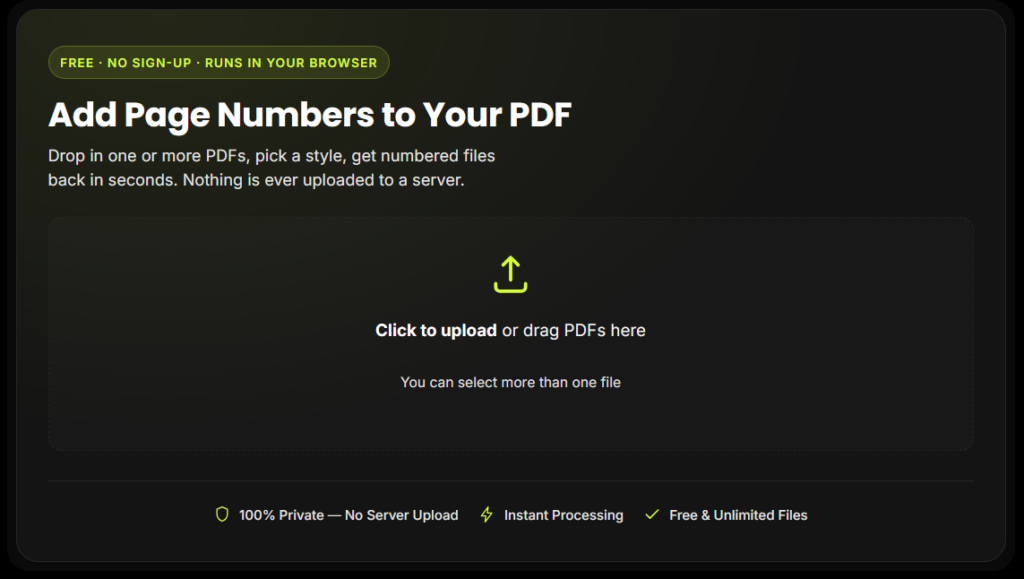
Add Page Numbers to Your PDF
Drop in one or more PDFs, pick a style, get numbered files back in seconds. Nothing is ever uploaded to a server.
Click to upload or drag PDFs here
You can select more than one file
Preview appears here after upload
1Live preview — first page of your PDF
How to Add Page Numbers to a PDF Online for Free
Follow these steps to add page numbers to your PDF online free:
Upload your PDF
Drag and drop it into the box above, or click to browse. You can add more than one file at a time.
Choose the position
Top-left, top-center, top-right, bottom-left, bottom-center, or bottom-right.
Pick a number format
Plain numerals (1, 2, 3), "Page 1 of 10," Roman numerals (i, ii, iii), or a dashed style (- 1 -).
Set your start number and skip pages
Perfect if you don't want a number on your cover page.
Download your numbered PDF
Instantly, with no watermark and no waiting.
Why Use This Add Page Numbers to a PDF Tool
Most tools that let you add page numbers to PDF online free bury the good features behind a paywall or a sign-up wall. This one doesn't.
100% Private — your file is processed entirely in your browser. Nothing is uploaded, so there's nothing to leak.
No sign-up, no watermark — add page numbers to PDF online free, forever, with no account and no branding added to your file.
Batch processing included free — add page numbers to multiple PDF files at once and download them all together in a single ZIP.
Works on any device — the tool is fully mobile-responsive, so you can add page numbers to a PDF on your phone exactly as easily as on a desktop.
Flexible formatting — choose the position, format, starting number, font size, and color so the numbering matches your document's style.
Skip the Cover Page When Numbering
A common formatting requirement — especially for reports, theses, and books — is starting the numbering after the cover or title page. This tool's "skip first N pages" option handles that automatically, so you can add page numbers to your PDF online free without a number awkwardly sitting on your cover.
Every Feature You Get When You Add Page Numbers to PDF Online Free
Everything you need to add page numbers to PDF online free with a simple, professional, and easy-to-use numbering setup.
Six Position Choices
Add page numbers to PDF online free in six positions — top-left, top-center, top-right, bottom-left, bottom-center, or bottom-right.
Four Number Formats
Choose plain numbers, Page X of Y, Roman numerals, or dashed style to add page numbers to PDF online free your way.
Custom Start Number
Start numbering from any number you choose — perfect for chapters or documents continuing from another PDF.
Skip the First N Pages
Leave cover pages, title pages, or contents unnumbered and add page numbers to PDF online free from the page you choose.
Adjustable Font Size & Color
Customize the number size and color to match your PDF design, including presets and custom colors.
Batch Processing — Free
Add page numbers to PDF online free to multiple files at once and download all numbered PDFs together in a ZIP.
Live Preview
Preview the position, format, size, and color on your PDF before downloading — no guessing or wasted downloads.
Private & No Sign-Up
Browser-based processing with no account, no watermark, and no unnecessary upload. Add page numbers to PDF online free with a simple private workflow.
Why This Tool Is Better Than Other PDF Tools
Unlike many popular PDF platforms such as iLovePDF, and Adobe Acrobat Online, this tool freeconvertzo is designed with a simpler, privacy-first experience — so you can complete your PDF task without unnecessary signup steps, complicated interfaces, or waiting for cloud processing. Instead of sending your files to a remote server, browser-based processing can keep your documents on your own device, making the workflow faster, more private, and convenient. Whether you need to add a password, edit, convert, compress, or manage a PDF, this tool focuses on free access, no-watermark output, simple controls, and instant results without making users navigate through unnecessary features or account requirements.
FAQ
Frequently Asked Questions
Is it free to add page numbers to a PDF online?
Yes. This tool lets you add page numbers to PDF online free, with no sign-up, no watermark, and no limit on how many files you process.
Can I start page numbering from page 3 (or skip my cover page)?
Yes. Use the “Skip first N pages” option and set it to however many pages should stay unnumbered — for example, set it to 2 to skip a cover page and a table of contents, and numbering will begin cleanly on page 3.
Can I add page numbers to multiple PDF files at once?
Yes. Upload as many PDFs as you like in one go — the tool numbers all of them and bundles the results into a single ZIP file you can download together.
Is my document safe and private?
Yes. Because the PDF is processed entirely on your device rather than sent to a server, there’s no upload step where the file could be intercepted, stored, or exposed.
Can I remove page numbers I've already added with this or another tool?
Not with this tool currently — it’s built specifically for adding page numbers, and once a number is added to a PDF it becomes part of the page content (this is true for any tool, since the PDF format itself has no built-in concept of “page numbers” to toggle off). If you need to remove existing numbers, you’ll need your original file from before they were added, or a PDF editor with a content-removal/redaction tool.
Can I choose the font size and color of the page numbers?
Yes. Font size is adjustable, and you can pick from preset colors or use the custom color picker to match any exact shade you need.