
Organize PDF – Rotate
Delete & Reorder Pages Online
Fix a sideways scan, remove a blank page, or drag pages into the right order —
free, instant, and right inside your browser.
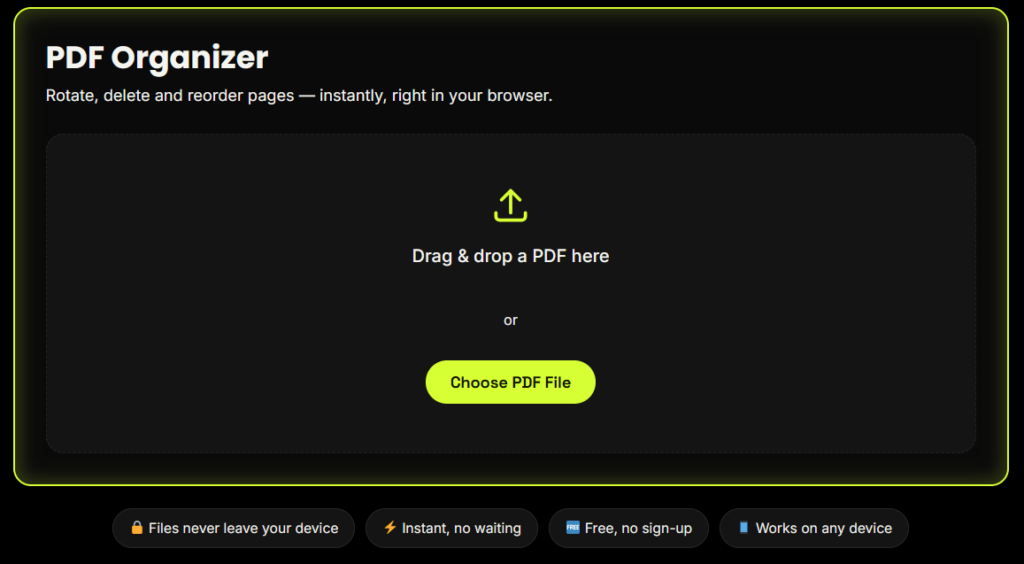
PDF Organizer
Rotate, delete and reorder pages — instantly, right in your browser.
Drag & drop a PDF here
or
Loading your pages…
Drag pages to reorder. Hover a page to preview, rotate or delete it.
What Is an Online PDF Organizer?
An online PDF organizer lets you rotate, delete and rearrange the pages of a PDF without installing software. FreeConvertZo's PDF organizer does this entirely in your browser: you load a PDF, adjust the page thumbnails, and download a new file. The PDF is never uploaded to a server.
You can use it to straighten pages scanned sideways, remove blank or duplicate pages, and put pages in the correct order before you send or print a document.
How to Organize PDF Pages Online in 3 Steps
Rotate, remove and rearrange PDF pages in your browser, then download your organized document in just a few simple steps.
1. Open Your PDF
Drag the file into the tool or press Choose PDF File. Your pages appear as thumbnails, ready to organize. Everything is read by your browser, so nothing is sent anywhere.
2. Rotate, Delete & Rearrange
Hover over a page on desktop to access its controls. On phones, the buttons stay visible. Arrange your pages until the document looks exactly right.
- PreviewZoom in and check a page
- RotateTurn a page 90° per click
- DeleteRemove unwanted pages
- Drag & DropMove pages into position
3. Download Your New PDF
Press Download PDF. Your browser builds the organized file and saves it to your device. Your original file stays unchanged.
Private by design. Your PDF is processed in your browser and is not uploaded to a server.
Why Use Our PDF Organizer?
100% Browser-Based — Your File Never Leaves Your Device
Most online PDF organizer tools upload your file to a remote server to process it. Ours doesn't. Every rotate, delete, and reorder action runs locally using your browser's own processing power, which means your documents — resumes, ID scans, contracts, financial statements — stay private by design, not just by policy.
Free, No Sign-Up, No Watermark
Organize as many PDFs as you like, with no hidden page caps, no forced account creation, and no watermark added to your downloaded file.
Works on Desktop and Mobile
The tool is fully responsive and offers the exact same rotate, delete, and reorder functionality whether you're on a laptop or organizing a PDF from your phone.
Key Features
Who Needs a PDF Page Organizer?
Students
Cleaning up scanned assignment PDFs before submission
Job Seekers
Fixing a sideways-scanned resume or certificate
Office Professionals
Removing blank pages from scanned invoices or contracts
Teachers
Reordering worksheet PDFs before printing
Anyone
Merging scanned documents where pages came out of sequence
Why Organize PDF Pages in Your Browser?
Most online tools upload your PDF to a server before you can organize it. Our PDF organizer works differently: the file is opened and rebuilt inside your own browser, so rotating, deleting and reordering pages starts instantly and your document never leaves your device. There is no account to create, no watermark on the result, and no waiting for an upload to finish. Need more than page changes? You can also merge or split PDF files or bookmark pdf with our other free tools.
Is It Safe to Organize a PDF Online? How Your File Stays Private
Yes, because your PDF never leaves your device. The page draws your page previews with PDF.js, an open-source viewer from Mozilla. It builds the new file with pdf-lib, another open-source library. Both run inside your browser, so we never receive, store or see your document.
You can check this yourself: open your browser’s Network panel, load a PDF and watch that no upload request is sent. Our page and the libraries it uses load over HTTPS, which encrypts them in transit.
For sensitive documents such as ID scans, contracts or bank statements, close the tab when you finish, especially on a shared computer.
Using a shared computer? Close the browser tab when you finish working with sensitive files.
FAQ
Frequently Asked Questions
s this PDF organizer tool really free?
Yes. Rotating, deleting, and reordering PDF pages is completely free, with no page limits, no sign-up, and no watermark on your downloaded file.
Is my PDF file uploaded to a server?
No. This tool processes your PDF entirely inside your own browser. Your file is never uploaded, stored, or transmitted anywhere, which makes it safer for sensitive documents.
Can I rotate just one page instead of the whole PDF?
Yes. Hover over any individual page thumbnail and click the rotate icon to rotate only that page — the rest of the document stays untouched.
Can I undo a page deletion?
You can click Reset at any time before downloading to start over from your original file. Once you download the organized PDF, the changes are final in that new file (your original file on your device is never altered).
Does organizing a PDF reduce its quality?
No. Rotating, deleting, and reordering pages does not re-compress or degrade the images or text inside your PDF.
Does this tool work on mobile phones?
Yes. The PDF organizer is fully responsive and offers the same rotate, delete, and reorder functionality on mobile browsers as on desktop.