
JPG to PDF Converter Free
Combine Images into One PDF Online
Our jpg to pdf converter free tool lets you turn one or more JPG, PNG, or WEBP images into a single, ready-to-share PDF — instantly, in your browser, with no signup and no watermark.
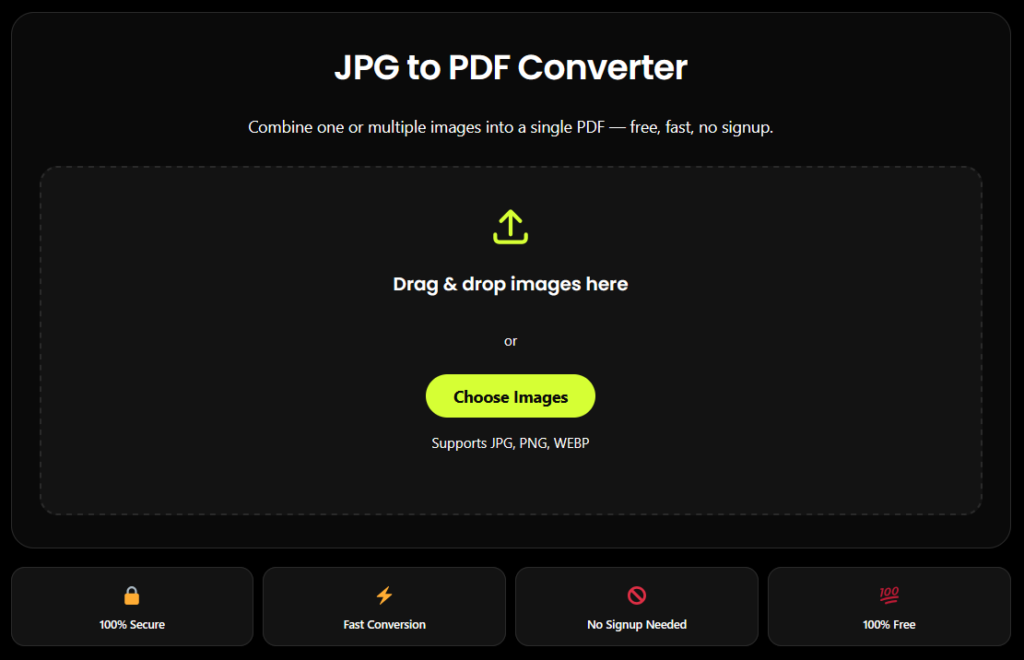
JPG to PDF Converter
Combine one or multiple images into a single PDF — free, fast, no signup.
Drag & drop images here
or
Supports JPG, PNG, WEBP
Drag thumbnails to reorder — this is the order pages will appear in the PDF.
✅ Your PDF is ready!
Download PDF🔒 Your images are processed in your browser and never uploaded to any server.
What Is This Tool?
Looking for a jpg to pdf converter free of cost, ads, and signups? This tool converts your JPG, JPEG, PNG, or WEBP photos into a clean, professional PDF file in seconds. Whether you need to combine multiple photos into one document for a job application, school assignment, or business record, this free jpg to pdf converter works entirely inside your browser — your images are never uploaded to any server, so your files stay 100% private.
Why Use Our Free JPG to PDF Converter
100% Free, No Signup
no account, no email, no hidden paywall.
Combine Multiple Images
merge unlimited photos into a single PDF, in any order you choose.
No Watermark
unlike many free tools, your PDF stays clean.
Fast & Lightweight
built for speed, even on mobile data.
Private by Design
images are processed on your device, never uploaded to a server.
Mobile Friendly
works smoothly on phones, tablets, and desktops.
Who Uses a JPG to PDF Converter?
This free jpg to pdf converter is built for:
Students
Combining photographed notes or assignment pages into one PDF for submission.
Job seekers
Merging ID proof, marksheets, and certificates into a single PDF file.
Businesses
Converting scanned receipts, invoices, or forms into shareable PDFs.
Anyone
Turn phone photos or screenshots into a document instantly.
Why This Tool Is Better Than Other PDF Tools
Unlike popular platforms such as iLovePDF and Adobe Acrobat, this jpg to pdf converter free tool runs entirely inside your browser instead of uploading your photos to a remote server. That means your images are converted on your own device, nothing is stored or seen by anyone else, and there’s no waiting for a file to upload and download again through the cloud. You can combine multiple JPG, PNG, or WEBP images into a single PDF, drag the thumbnails to set the exact page order you want, and choose your page size, orientation, and margins — all without creating an account, without a watermark on your final PDF, and without any conversion limit. Where many free converters cap how many images you can combine or lock features like reordering and compression behind a paid plan, this tool keeps every one of those features free and available from the first use, which is what makes it a genuinely free jpg to pdf converter rather than a free trial of a paid one.
More Free Tools You Might Need
Need to convert an image, create a QR code, or fix a PDF? Explore these free tools to finish your next task faster.
Bulk HEIC to JPG Converter
iPhone photos often use HEIC format. Convert multiple photos to JPG for easier uploading, sharing, and everyday use.
Convert HEIC to JPG ↗WebP to JPG/PNG Converter
Need a different image format for your website, design, or document? Convert WebP images to JPG or PNG.
Convert Image Format ↗QR Code Generator
Turn any link, text, or contact detail into a scannable QR code in seconds. Make sharing quick and convenient.
Generate QR Code ↗Delete PDF Pages
Added a page by mistake? Remove unwanted or blank pages from your PDF and keep only the pages you need.
Delete PDF Pages ↗FAQ
Frequently Asked Questions
Is this JPG to PDF converter really free?
Yes, this jpg to pdf converter free tool has no hidden charges, no conversion limits, and no watermark on your final PDF. You don’t need to create an account or pay to use it.
Can I combine multiple images into a single PDF?
Yes. You can upload multiple JPG, PNG, or WEBP images and combine them into one PDF file. Drag the thumbnails to reorder them exactly how you want the pages to appear.
Will converting JPG to PDF reduce my image quality?
No. By default, this tool preserves your original image resolution and quality. If you want a smaller file size instead, you can turn on the optional “Reduce file size” setting before converting.
Can I convert PNG or WEBP images too, not just JPG?
Yes. Along with JPG/JPEG, this tool also supports PNG and WEBP image files, so you can mix formats in the same PDF.
Can I change the page size or orientation of the PDF?
Yes. You can choose A4, Letter, or “Fit to Image” page size, along with portrait, landscape, or automatic orientation, plus margin options before converting.
Is it safe to convert personal documents like ID cards or certificates?
Yes. Since conversion happens entirely on your own device and nothing is uploaded, it’s safe to convert personal documents such as ID proofs, marksheets, or certificates into PDF.