
JPG to WebP & WebP to JPG Converter
for Website Speed Free
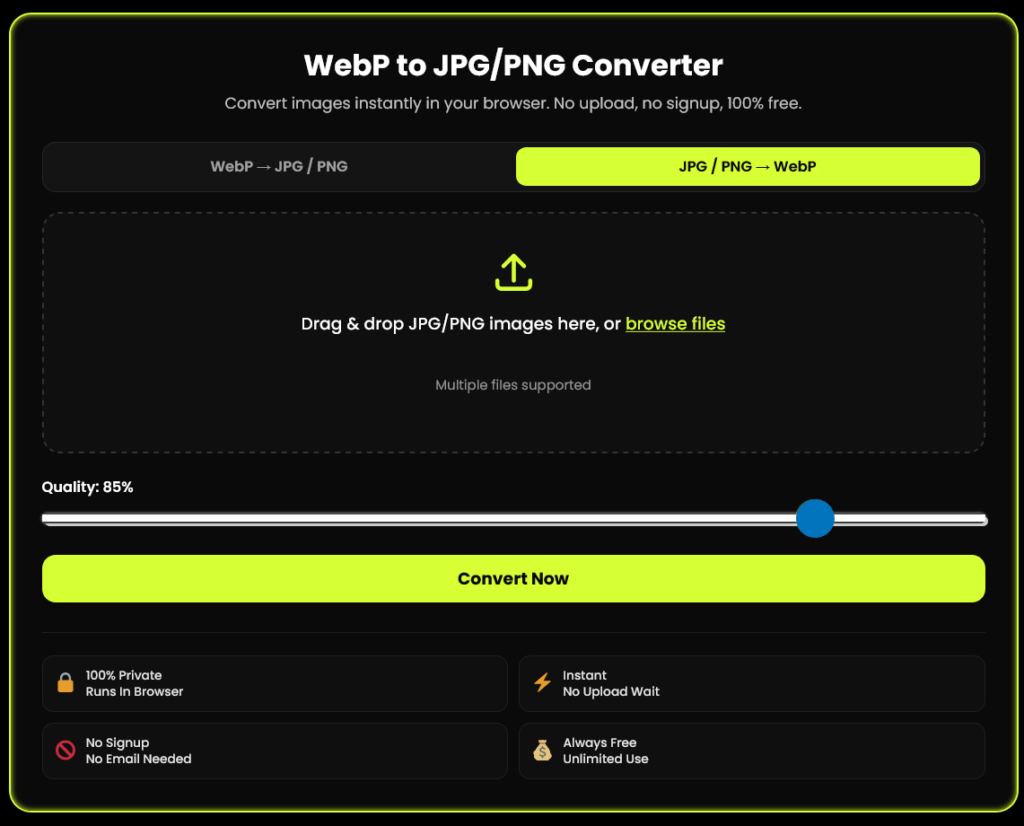
JPG to WebP WebP to JPG converter for website speed — convert images instantly, free and 100% browser-based. Shrink JPGs to WebP for faster page loads, or convert WebP back to JPG/PNG for full compatibility. No upload, no signup.
WebP to JPG/PNG Converter
Convert images instantly in your browser. No upload, no signup, 100% free.
Drag & drop WebP images here, or browse files
Multiple files supported
✓ Files uploaded — ready to convert
Converting... 0%
Your images are ready!
Runs In Browser
No Upload Wait
No Email Needed
Unlimited Use
Why You Need a JPG to WebP / WebP to JPG Converter
Most people need a jpg to webp webp to jpg converter for website speed because WebP files are smaller and load faster, which helps improve your site's performance and user experience. Whether you're a developer optimizing a website or someone who just wants to save space, this tool makes it easy to switch between formats without losing quality.
Faster loading times
WebP images are smaller, which means faster page loads and better performance for your website.
Better compatibility
Converting back to JPG or PNG ensures your images work everywhere — including older software, PowerPoint, and platforms that don't support WebP.
How This JPG to WebP / WebP to JPG Converter Works
Convert images in five simple steps. No complicated software, no waiting, and no need to upload your files to a server.
Choose Your Direction
Switch between WebP → JPG/PNG and JPG/PNG → WebP using the converter toggle.
Upload Your Images
Drag and drop images or browse your device. Multiple files are supported for bulk conversion.
Pick Your Settings
Select JPG or PNG output when available, or adjust the quality slider to balance file size and image quality.
Convert Instantly
Start the conversion in your browser using HTML5 Canvas, without sending images to a conversion server.
Download Your Images
Download converted files individually or use “Download All” to get your images in one ZIP file, if supported by the tool.
Browser-based conversion — your images stay on your device when processing is fully local.
Key Features
100% Free
No hidden charges, no premium paywall for basic conversions.
No Sign-Up Required
Start converting your images instantly without creating an account.
100% Private
Your files are processed locally in your browser and never uploaded to a server.
No Watermarks
Download clean, professional images every time.
Works on Any Device
Desktop, tablet, or mobile — it just works.
Fast & Reliable
Most conversions are completed in seconds.
No File Size Limit
Convert as many files as you want, with no limits.
Easy to Use
Simple interface that anyone can use without technical skills.
JPG to WebP for Website Speed: Why It Matters
WebP is a modern image format developed by Google, designed to provide smaller file sizes and better compression than JPG and PNG. Without compromising on visual quality, this means faster page loads, Core Web Vitals, and a smoother experience for your visitors.
Faster-loading images can improve user experience, support your search performance, reduce bounce rates, and make your site feel more responsive, especially on mobile devices.
WebP has excellent browser support, but some platforms and older software may still require JPG or PNG. That's why converting between WebP, JPG, and PNG is useful for maximum compatibility. Can I Use WebP?
Why This Tool Is Better Than Other PDF Tools
Unlike many popular PDF platforms such as iLovePDF, and Adobe Acrobat Online, this tool freeconvertzo is designed with a simpler, privacy-first experience — so you can complete your PDF task without unnecessary signup steps, complicated interfaces, or waiting for cloud processing. Instead of sending your files to a remote server, browser-based processing can keep your documents on your own device, making the workflow faster, more private, and convenient. Whether you need to add a password, edit, convert, compress, or manage a PDF, this tool focuses on free access, no-watermark output, simple controls, and instant results without making users navigate through unnecessary features or account requirements.
FAQ
Frequently Asked Questions
Why do images from Google or websites download as WebP instead of JPG
Google created the WebP format to make websites load faster, and it’s now the default image format served by Google Images and most modern websites. If your software doesn’t support WebP, use a webp to jpg converter to change it to a universally compatible format.
What is a WebP file?
WebP is an image format created by Google that compresses images more efficiently than JPG or PNG, producing smaller file sizes at the same visual quality. It supports both lossy and lossless compression, plus transparency and animation.
Do all browsers support WebP now, or do I still need a fallback?
As of 2026, WebP is supported by well over 95% of browsers in use worldwide, according to Can I Use. For the remaining legacy browsers, keeping a JPG version on hand (via this converter) is the simplest fallback.
Does converting WebP to JPG reduce image quality?
There can be a small quality loss since both WebP (lossy mode) and JPG use lossy compression, but setting the JPG quality slider to 90–100 keeps the difference visually unnoticeable in almost all cases.
Should I convert WebP to JPG or WebP to PNG?
Convert to JPG for photos where small file size matters most; convert to PNG if your WebP image has a transparent background, since JPG cannot preserve transparency and will fill it with a solid color.
Does converting JPG to WebP actually improve website speed?
Yes. Because WebP files are significantly smaller than JPG at equivalent quality, converting your site’s images to WebP directly reduces page load time and improves Core Web Vitals scores, which Google uses as a ranking factor.