WebP to JPG Converter Free
Our WebP to JPG converter free tool turns .webp images into JPG or PNG files in seconds. Everything runs in your browser, so your images are never uploaded to a server and there is no signup. Convert one file or many, then download them one by one or as a single ZIP.
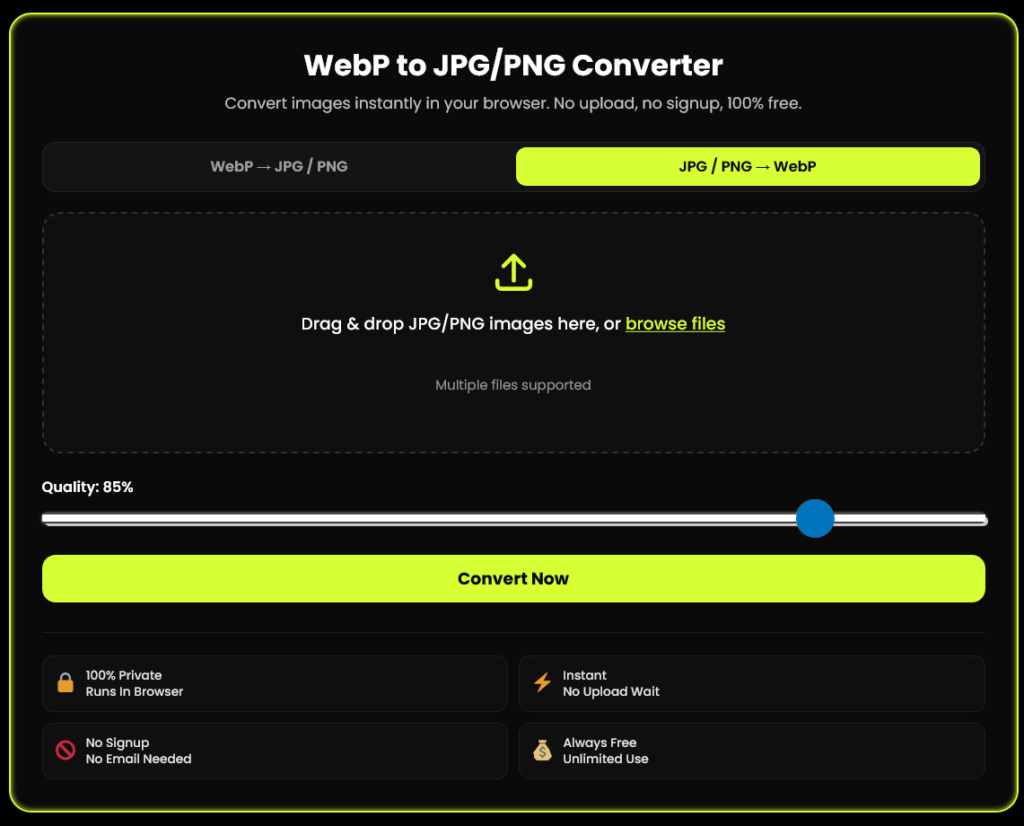
WebP to JPG/PNG Converter
Convert images instantly in your browser. No upload, no signup, 100% free.
Drag & drop WebP images here, or browse files
Multiple files supported
✓ Files uploaded — ready to convert
Converting... 0%
Your images are ready!
Runs In Browser
No Upload Wait
No Email Needed
Unlimited Use
How to Convert WebP to JPG for Free
Convert your WebP images to JPG or PNG in just a few simple steps. Choose your format, adjust quality, and download your converted images.
Choose the Converter
Select WebP → JPG / PNG at the top of the tool to get started.
Upload WebP Images
Drag and drop your .webp files or click Browse Files to select images. Add multiple files at once.
Choose Format & Quality
Pick JPG or PNG. If you choose JPG, adjust the image quality; 85% is a good starting point.
Convert & Download
Click Convert Now, then download images individually or use Download All (ZIP).
Follow these four steps to convert your WebP images into the format you need.
Why Convert
WebP to JPG?
WebP is Google's image format, and many websites serve it, which is why images you save from the web often arrive as .webp. JPG still opens almost everywhere. Convert your WebP images to JPG when:
Some versions of PowerPoint, Word or photo editors will not insert a .webp file.
An upload form, marketplace or CMS only accepts JPG or PNG.
You need to email, print or share a photo that must open on any device.
Convert WebP to JPG Without Uploading Your Files
Many online converters send your image to a server and delete it later. This tool works differently: your browser decodes the WebP and creates the JPG on your own device.
That helps when working with private photos, client work and unreleased designs. The page itself loads from our server, but your images stay on your device.
Want to verify? Open Developer Tools → Network, then convert an image. Check whether image data is sent in network requests.
WebP to JPG or WebP to PNG: Which Should You Choose?
Both formats work for different needs. Compare their main differences to choose the right output for your images.
| Feature | ||
|---|---|---|
| Best for | Photos, email, print | Logos, icons, screenshots and transparent images |
| Transparency | Not supported Transparent areas usually become white or another background color. | Supported Transparent areas can be preserved. |
| File size | Usually smaller | Usually larger |
| Quality settings | Quality slider (10–100%) | No lossy quality slider; standard PNG conversion preserves image data without additional lossy compression. |
For everyday photos, email attachments and printing.
For logos, graphics, screenshots and transparency.
Convert WebP to JPG Without Losing Quality
Both lossy WebP and JPG compress images, so a small change in image quality is possible during conversion. Use these tips to keep the difference as unnoticeable as possible.
- ✓ Choose a high quality setting. Use 90% or higher for photos when available. Around 85% can offer a good balance between file size and visual quality.
- ✓ Choose PNG when appropriate. PNG supports transparency and lossless encoding, making it useful when preserving the decoded pixels matters more than keeping the file small.
- ✓ Avoid repeated JPG saves. Every new lossy JPG encode can introduce additional compression artifacts. Convert the original file once whenever possible.
- ✓ Know what happens to animation. Animated WebP files are converted into a still image using the first frame. Animation is not preserved in JPG.
Need JPG or PNG to WebP? Switch the Tool
Want smaller images for your website instead? Switch to our JPG / PNG → WebP converter to create modern image files designed for efficient web delivery.
Google's documentation reports that lossy WebP images are typically 25–34% smaller than comparable JPEG images at similar quality. Lossless WebP images are approximately 26% smaller than comparable PNG images in Google's reported comparisons.
Compared with comparable JPEG images, according to Google. Actual savings depend on the image and encoding settings.
Learn more from Google's WebP documentation and web.dev's guide to WebP.
What You Get with This Free WebP to JPG Converter
- 100% free: no signup, no email, no watermark
- Converts in your browser, so files stay on your device
- WebP to JPG, WebP to PNG, and JPG/PNG to WebP in one tool
- Bulk conversion with one-click ZIP download
- Quality slider for JPG and WebP output
- Works on desktop, tablet and phone
More Free Tools for Your Files & Images
Do more with your images and documents. Explore these free tools to convert images, create PDFs, make scanned documents searchable and share files easily.
Convert JPG to PDF
Combine your JPG images into a single PDF document. Perfect for sharing photos, organizing documents and preparing images for printing.
Convert to PDFBulk HEIC to JPG Converter
Convert iPhone HEIC photos into widely compatible JPG images. Process multiple photos for easier sharing and viewing across apps.
Convert HEICScanned PDF to Searchable PDF
Use OCR to recognize text in scanned PDF documents, making supported content easier to search, select and work with.
Make PDF SearchablePDF to Link & QR Code Generator
Create a shareable link and QR code for your PDF. Make document sharing more convenient without adding a watermark to your generated result.
Create Link & QRFAQ
Frequently Asked Questions
Is this WebP to JPG converter really free?
Yes. This WebP to JPG converter free tool has no signup, no email, no watermark and no daily limit set by us.
What is a WebP file?
WebP is an image format created by Google that compresses images more efficiently than JPG or PNG, producing smaller file sizes at the same visual quality. It supports both lossy and lossless compression, plus transparency and animation.
How do I convert WebP to JPG for free?
Open the tool, drop your .webp files, choose JPG, and click Convert Now. Then download each file or all of them as a ZIP.
Why do images from Google or websites download as WebP instead of JPG?
WebP is a Google-developed format that makes image files smaller, so many websites serve it by default. If your software cannot open it, convert it to JPG or PNG with this tool.
Does converting WebP to JPG reduce image quality?
There can be a very small loss because both lossy WebP and JPG use compression. Set the quality slider to 90% or higher to keep it unnoticeable, or choose PNG to avoid extra loss.
What happens to a transparent background when I convert WebP to JPG?
JPG does not support transparency, so transparent areas turn white. Convert to PNG if you need to keep the transparency.